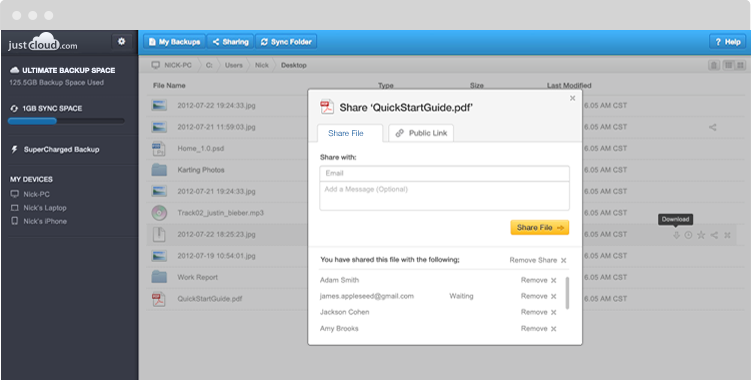
Cloud storage providers offer many great practical features in addition to the backup and restore controls that come as standard. Ones which are particularly popular with users are File Sharing, Folder Sharing, Automated Backups, Drag and Drop, File Versioning, and File Syncing.
For now, though, let’s take a look at File Syncing. For some people, it’s a confusing subject. For instance, ‘what’s the difference between cloud storage syncing and standard backup/recovery?’ is often a question that’s thrown around. There is an easy way of answering this question, though, if we take a look at MyPC Backup’s features. Think of it like this:
- Standard backup/recovery – Files are backed up to the cloud and have to be manually downloaded for restore
- File Syncing – Files are manually added to a Sync Folder on the desktop and are automatically duplicated onto a user’s linked devices
And while we’re on the subject, let’s take a look at how easy it is to sync your files between devices:
- Firstly, you will of course need to download MyPC Backup to all of the devices you wish to sync files with. You simply have to sign in with your original account email address and password on each one
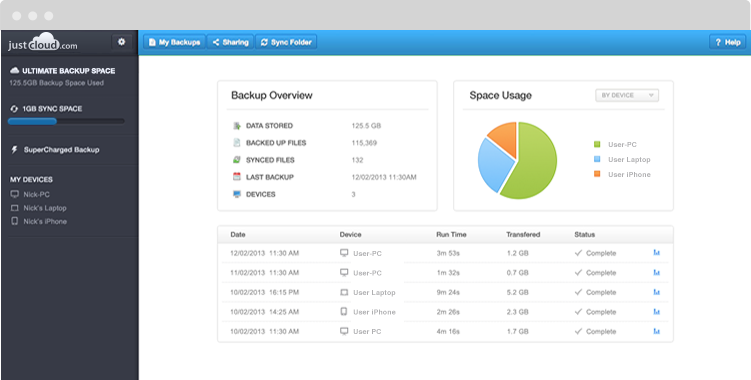
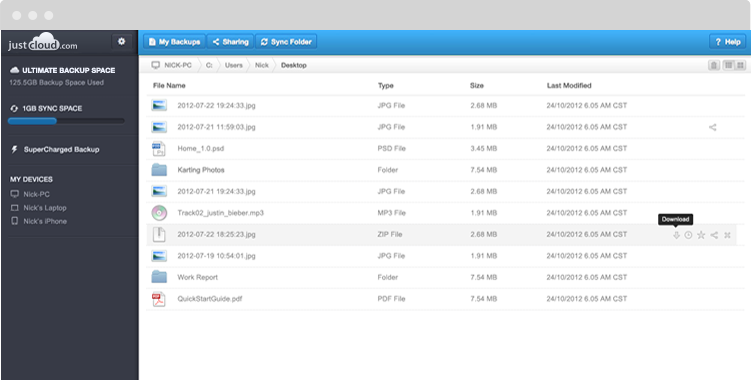
- Once setup is completed, you will notice that each of your devices has a Sync Folder. All you need to do now is add some files to it. Once you have, these files will automatically be synced with your other devices’ Sync Folders, creating a mirror image
And that’s it.
Cloud storage File Syncing is a very easy way of keeping very important files on your devices at all times. Enjoy!