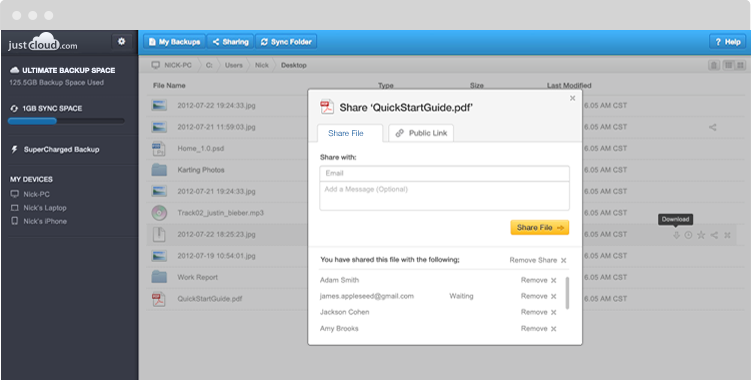
One of the great features that cloud storage offers its customers is File Sharing. This enables them to share documents, music, videos and photos following a few simple clicks. This has eradicated the need to keep sending email after email with attachments, because with cloud storage File Sharing there is no limit to what you can share.
However, let’s run through a scenario quickly:
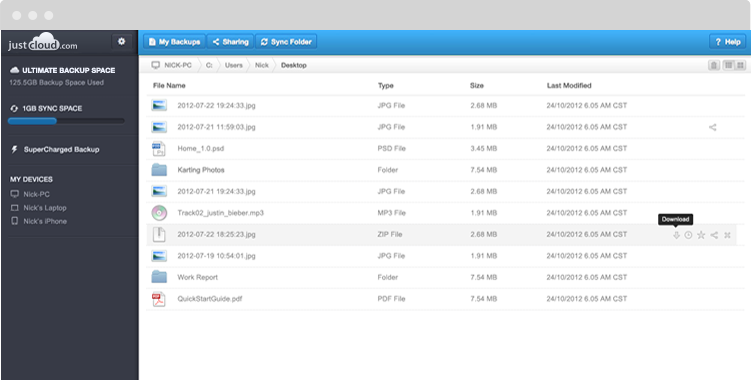
You decide that you want to send a holiday snap album to your grandparents who live abroad. They’ve been asking for it for a while (years…), so it’s only fair. You log into your cloud storage account, find the files you want to send, hit the Share button, and then sit back and sigh with relief from knowing that you won’t be getting calls about the photos anymore—until your next holiday, that is.
But there’s a problem. As you focus back on the screen, you realise that though you sent files…they weren’t the right ones. Not only that, you sent an album of your hen night, which you feel your grandparents ‘possibly may not appreciate’…
So what are you going to do? Well, you can rest assured that the flushed sensation in your cheeks and sinking feeling in the pit of stomach won’t last much longer. Because, if your cloud storage provider is JustCloud, you can undo this embarrassment as easily as you created it.
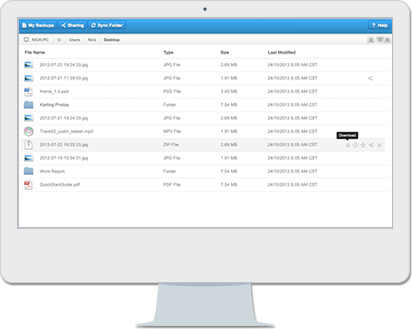
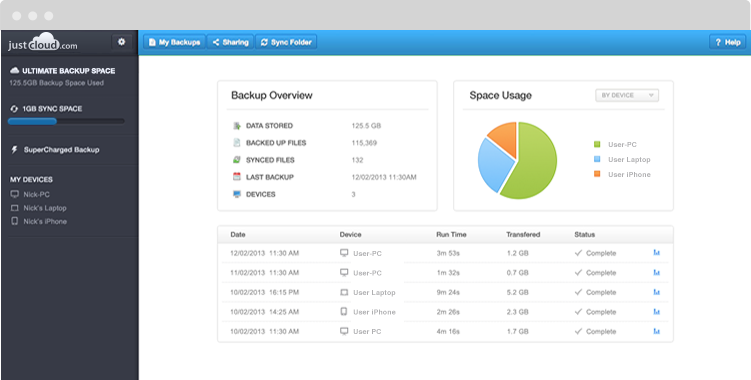
All you need to do is to go to your dashboard, click on Sharing, File Sharing, locate the photo album folder you just sent, and then click on Options. Finally, click Kick Out and agree to the request.
Your grandparents have now been disabled from viewing the evidence of your wild weekend. Phew…!